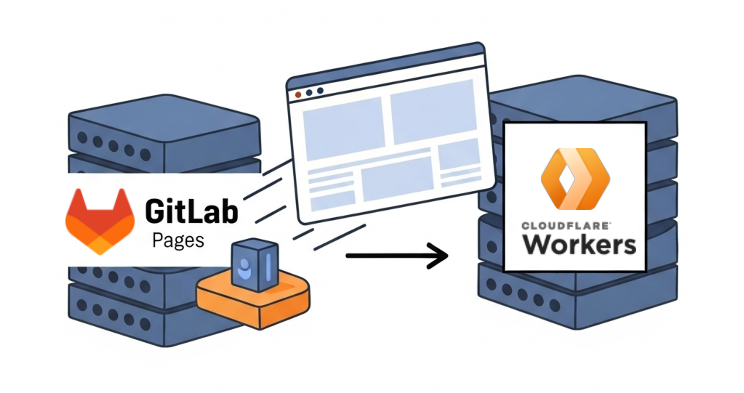
Moving my personal website to Cloudflare Workers
For a while, I hosted my personal website on Gitlab Pages, which is a solid choice for static sites whilst Gitlab hosts the code. I appreciate the smooth CI/CD integration, but I’ve always had an eye on Cloudflare—specifically their generous free tier and edge computing performance. I previously used Cloudflare Pages for dev versions of my site, which was cool. Then, searching for a custom domain, I chose Cloudflare as the cheapest option. After landing on the Cloudflare dashboard and exploring their offerings, I was impressed by the range of services; with a few clicks, I opened the Cloudflare Workers dashboard. Turns out, they recommend Workers for all new projects now, even over Pages, because it’s feature-rich and where future development happens.
New Workers worker?
I decided to give it a shot. Setting up a new worker was easy using the Cloudflare UI; I just had to import the Gitlab repository and configure some settings. I also added a wrangler.toml file to the repository, which is the configuration file for Cloudflare Workers:
name = "web"
compatibility_date = "2025-03-25"

[assets]
directory = "./static"
What Cloudflare essentially does is add a webhook to the Gitlab repository, so every time I push a commit or merge a pull request into the main branch, it automatically triggers a deployment build to the worker. This is pretty similar to how Gitlab Pages works, but with the added benefit of being able to run server-side code at the edge.
Custom domain
You can easily set up a custom domain for the worker by doing two things:
- Add the domain name to the worker settings in the Cloudflare dashboard.
- Create a CNAME record in your DNS settings that points the (www) custom domain to the worker URL.
The CNAME record looks like this:
Name: www
Type: CNAME
Value: web.my_account.workers.dev
TTL: Auto
Proxied: True
 Image: CNAME record
New subdomain as a worker
My personal site isn’t just one thing; I’ve got static projects living as subpaths. Moving these over was straightforward. It basically involved creating a new worker for each static site I wanted to host as a subdomain. The trick was tweaking the wrangler.toml file (that’s Cloudflare’s config file for workers). I added specific routes patterns in there to send traffic for each subdomain to its own worker.
For example, if I wanted to host a static site at wasm-python.ylweng.com, I’d set up the wrangler.toml like this:
name = "wasm-python"
compatibility_date = "2025-03-25"

routes = [{ pattern = "wasm-python.ylweng.com/*", zone_name="ylweng.com" }]

[assets]
directory = "./public"
After getting wrangler.toml sorted, the last piece was to add a CNAME record in Cloudflare DNS for each subdomain. The Name for the CNAME record was just the subdomain itself (like wasm-python), and the Target was set to the URL of the Cloudflare worker, in this case wasm-python-playground.my_account.workers.dev. In this way, traffic gets routed exactly where it needs to go.
Zero Trust
One of the cool things about Cloudflare is their Zero Trust security model. Everything is laid out in a way that makes it easy to secure your applications. For my personal site, I didn’t need to set up any complex security rules, but I did appreciate the option to add some basic protections like DDoS mitigation and bot management. It’s all pretty much set up by default, which is great for someone who might not be a security expert but still wants to keep their site safe.
Final thoughts
Moving to Cloudflare has been a great experience. Performance is solid, setup was straightforward, and end users benefit from edge computing. This means faster response times for users around the world (no more complaints from friends on the other side of the earth!). Plus, the generous free tier means I’m not worried about costs for a while.
I really look forward to exploring more of what Cloudflare Workers can do. With the ability to run server-side code at the edge, I can build more dynamic features without managing a separate backend server. Though I’m a little frustrated with the build process, which feels like a black box at the moment—the only option is passing the build command to the worker, which lacks flexibility. But it’s still in the beta stage, so I hope it improves in the future.